PNG vs PDF: Which Format Should You Use? (2026 Guide)
PNG is for pixel-perfect images, PDF is for fixed-layout documents. Here is exactly when to use each — and how to convert between them for free.
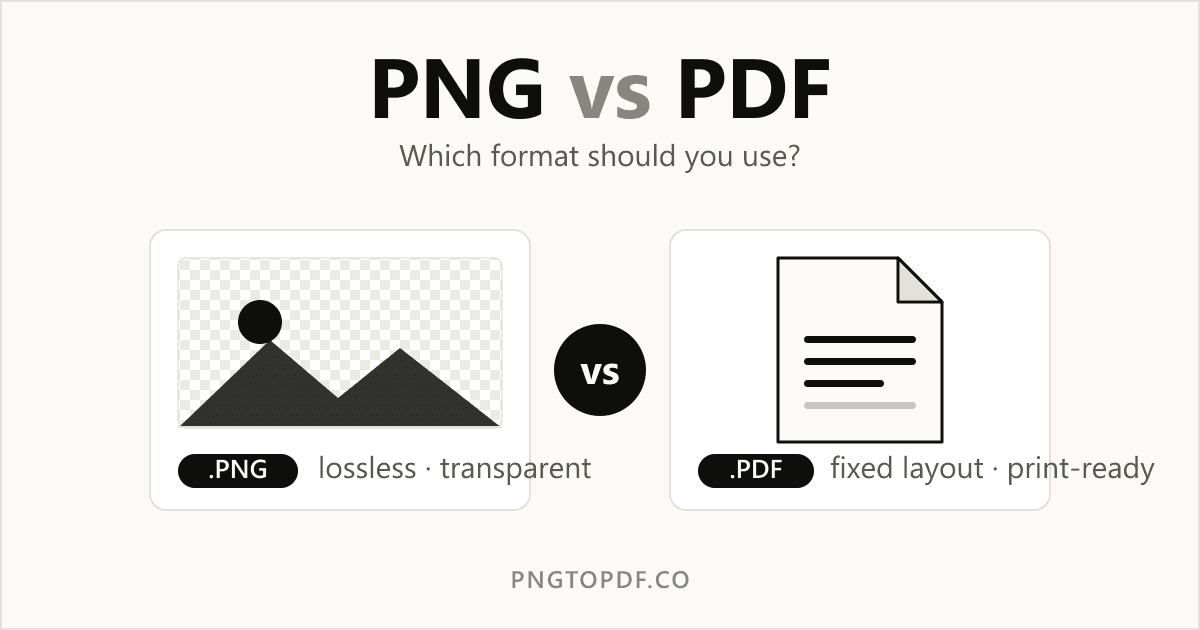
PNG and PDF are two of the most common file formats on the web, but they solve very different problems. PNG is an image format built for pixel-perfect graphics; PDF is a document format built to preserve a fixed layout anywhere. Pick the wrong one and you end up with blurry screenshots, bloated email attachments, or a logo that loses its transparent background. This guide breaks down what each format is good at, and exactly when to reach for which.
| At a glance | PNG | |
|---|---|---|
| Type | Raster image | Document container |
| Best for | Screenshots, logos, graphics | Multi-page documents, print |
| Transparency | Yes | No (page background) |
| Multiple pages | No (one image per file) | Yes |
| Selectable text | No | Yes |
| Quality | Lossless | Preserves layout & fonts |
What is a PNG?
PNG (Portable Network Graphics) is a raster image format — a grid of pixels. It uses lossless compression, meaning the file is made smaller without throwing away any image data, so a PNG looks exactly the same every time you open or re-save it. Its defining feature is support for an alpha channel: PNGs can have transparent backgrounds, which is why logos, icons, and UI assets are almost always PNGs.
The trade-off is size and scale. Because every pixel is stored explicitly, a high-resolution PNG can be large, and because it is pixel-based it gets blurry if you blow it up past its native resolution. A PNG also holds exactly one image — there is no concept of pages.
What is a PDF?
PDF (Portable Document Format) is a document format. Rather than a single image, a PDF is a container that can hold text, vector shapes, embedded fonts, and images across many pages — and render them identically on any device or printer. That fixed-layout guarantee is the whole point: a contract, invoice, or résumé looks the same on your phone, your laptop, and the recipient's printer.
Because PDFs can embed real text, that text stays selectable, searchable, and copy-pasteable (unless the PDF is just a scanned image). They also support multiple pages, bookmarks, and form fields — none of which an image format can do.
When to use PNG
- You need a transparent background — logos, icons, stickers, overlays.
- You're saving a screenshot or sharp UI graphic with text and edges.
- The image will be edited again and you want zero quality loss.
- You're placing a single graphic on a website or in a slide.
When to use PDF
- You're sharing a multi-page document — reports, ebooks, manuals.
- Layout must stay exact for printing or signing.
- You want recipients to select and search the text.
- You're bundling several images into one tidy file to email or archive.
That last point is the most common crossover: people collect a stack of PNG or JPG images and want a single document they can send. Turning images into a PDF keeps them in order, in one file, at full quality. If that's you, our PNG to PDF converter and JPG to PDF converter do exactly that, entirely in your browser.
Converting between PNG and PDF
Because the two formats serve different jobs, you'll often need to move between them — and the direction matters.
Images → PDF
To combine one or more images into a document, convert them to PDF. This is ideal for receipts, ID photos, or scanned pages you want to send as a single attachment. You can do it free with our PNG to PDF tool, and if the result is too heavy for email you can shrink it afterward with the PDF compressor.
PDF → images
Going the other way — turning each page of a PDF back into a high-quality PNG image — is what you want when you need to embed a page in a slide, post it on social media, or pull a single figure out of a report. A dedicated tool like convert PDF to PNG handles that in one step, in your browser, with no uploads. We also offer our own PDF to PNG converter if you'd rather stay on this site.
Frequently asked questions
Is PNG or PDF better quality?
Neither is universally "better" — they measure quality differently. PNG is lossless, so the image never degrades. PDF preserves an entire page's layout, fonts, and vector text. For a single graphic, PNG wins; for a formatted document, PDF wins.
Can a PDF contain PNG images?
Yes. A PDF is a container, so it can embed PNG (and JPG) images on its pages while also holding text and vector content. That's exactly what happens when you convert images to PDF.
Which is smaller, PNG or PDF?
It depends on the content. For a single photographic image, a PDF wrapping a compressed image is often smaller than a raw PNG. For a simple graphic with few colors, PNG is usually smaller. When file size matters, compress the final file rather than guessing.
The bottom line
Use PNG when you need a single, lossless image — especially one with transparency. Use PDF when you need a shareable, print-ready, multi-page document with selectable text. And when you need to cross between them, the conversion is free and takes seconds. Ready to try it? Convert PNG to PDF now.